


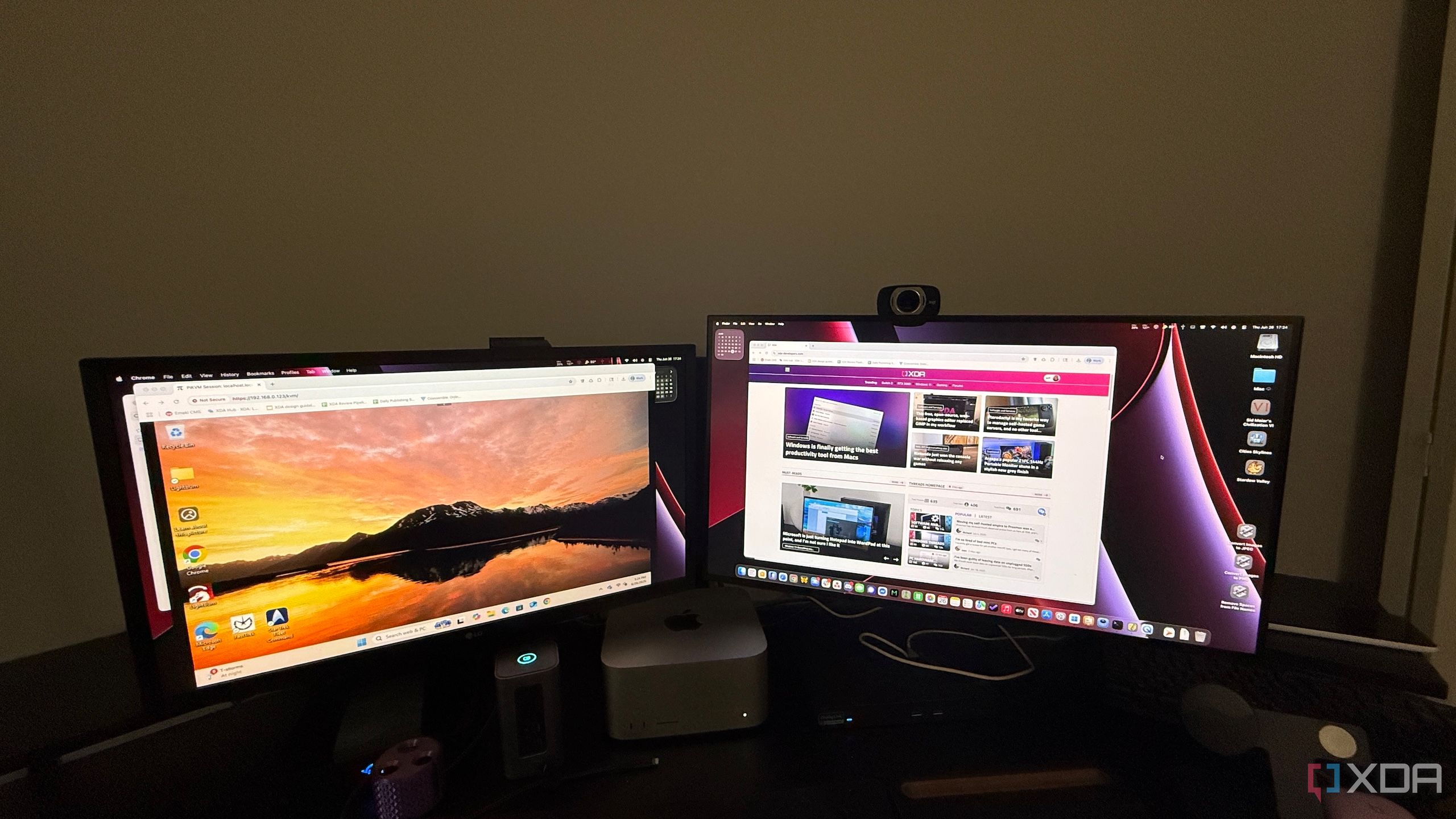
I thought I had my home lab management figured out with SSH, remote desktop, and a few clever automation scripts, but PiKVM proved me wrong. The first time I used it to address a boot issue without touching a single cable, I knew it was going to change everything. What I expected to be a handy side tool quickly became the backbone of my entire management workflow, letting me control, power cycle, secure, update, and recover my systems faster and more reliably than ever before.
Full remote control of my servers
Complete access without leaving your chair
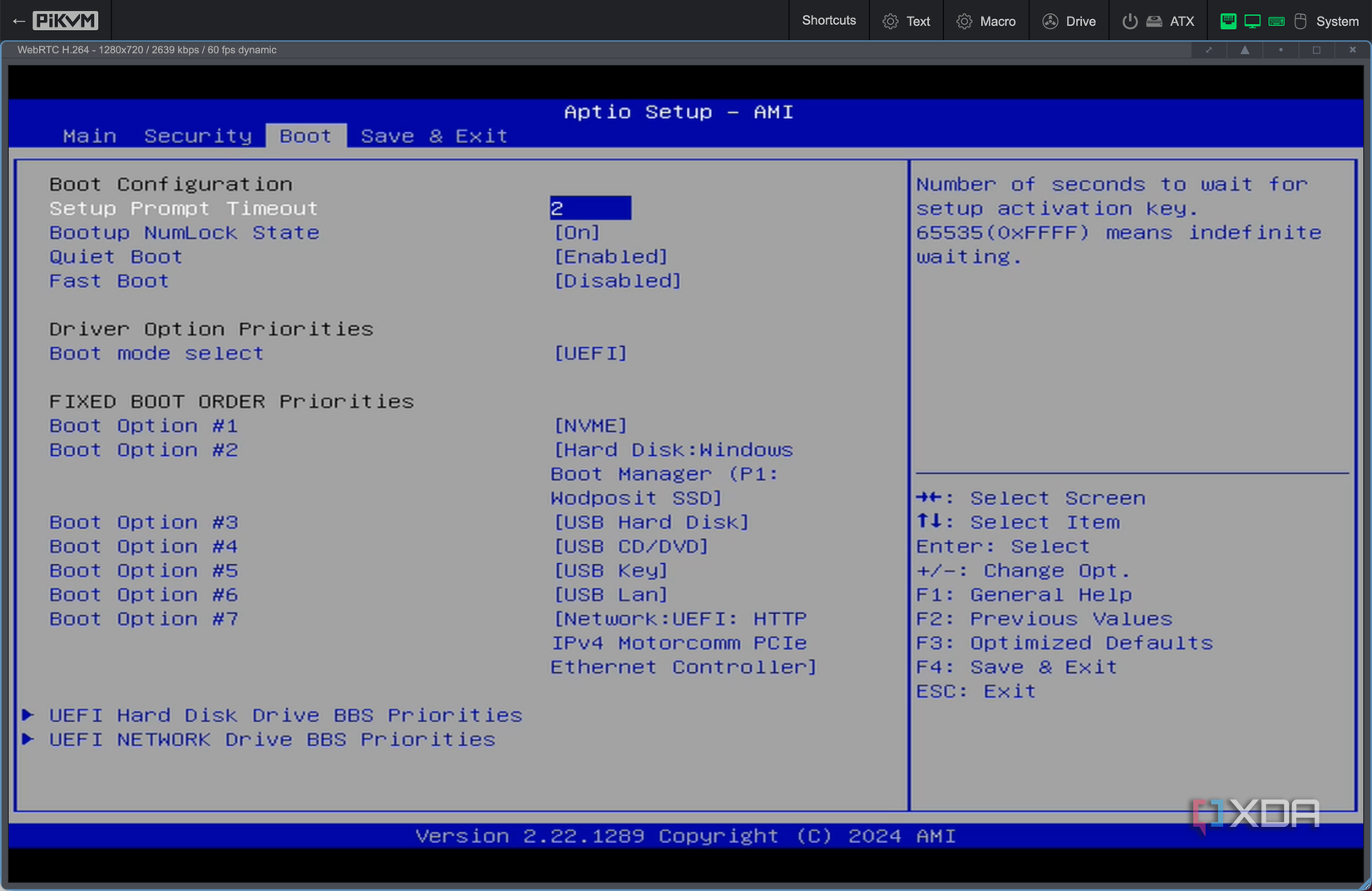
The biggest advantage of PiKVM is that it provides full, BIOS-level access to my servers, regardless of the operating system’s status. Unlike remote desktop tools or SSH, PiKVM works even if the OS has crashed or there’s no internet connection, as long as my local network is available. I can jump into the BIOS, switch boot devices, run diagnostics, and even watch the boot process in real time without touching the machine. This means I can fix problems that would typically require dragging out a monitor and keyboard just to get started.
For headless systems, this capability changes everything about troubleshooting. I don’t need to pull equipment out, fight with cabling, or move hardware to diagnose an issue. From my desk, I can reinstall operating systems, perform firmware updates, or undo configuration changes that caused a crash without having to plan around physical access.
The web interface is fast, smooth, and works from nearly any device, even a tablet or smartphone. I can start a repair from my couch or while traveling, as long as I have VPN access to my network. Tasks that once took 15 minutes just to set up now take mere seconds, and there’s no need to keep extra peripherals on hand.
Remote power cycling and control
Restart frozen systems from anywhere

When a server hangs or refuses to respond, the first instinct is usually to walk over and press the power button. PiKVM makes that physical trip unnecessary by giving me remote control over power functions. With the DIY ATX controller I built, I can restart systems instantly from anywhere. It’s as close as you can get to being in the room without actually being there, and it works from almost anywhere.
The time savings add up quickly in day-to-day use. If a system locks up during an update or stress test, I can power cycle it immediately and get back to work without losing my place in another task. There’s little interruption to my workflow and no need to reorganize cables just to reach the hardware. For someone managing multiple machines, that kind of efficiency makes a real difference, and it also keeps downtime to a minimum.
It’s also invaluable for planned events. Whether I’m shutting things down during a thunderstorm, powering up after maintenance, or bringing a test environment online, I can do it in a controlled, orderly way without physically touching the machines.
Secure access over the internet
Strong security without compromising convenience


Of course, giving yourself this much power over your systems means security has to be rock solid. PiKVM is designed to make that possible without sacrificing ease of use. I never expose the interface directly to the public internet; instead, I connect through my Cloudflare Tunnel, ensuring the management console remains completely hidden from unauthorized users. This keeps the door closed to attackers before they even know it exists, which is especially important for something with low-level control over my hardware.
On top of that, PiKVM supports HTTPS encryption and two-factor authentication. The KVM user is distinct from the Linux user, a non-privileged account without login or SSH access to the OS. If I need to bring in a collaborator, I can give them limited access and easily change the KVM user password when their task is done. That flexibility means I can share my tools without sacrificing security.
The system also logs every login attempt and action, giving me a clear trail to follow if something unusual happens. This is the kind of security posture you’d expect from enterprise-grade tools, and PiKVM delivers it without adding unnecessary complexity or slowing me down. That means I can manage my hardware from anywhere while staying confident that it’s protected, and it integrates seamlessly with the rest of my lab security setup.
Works with virtually any hardware
Compatible with almost everything I own
Another of PiKVM’s most significant advantages is that it’s not picky about what you connect it to. As long as the device outputs video through HDMI and accepts USB input, PiKVM can manage it. That means I can control everything from modern rack servers to older desktops I’ve repurposed for new roles. There’s no worrying about driver compatibility or operating system quirks, and I can move it between systems in minutes when needed.
This compatibility keeps my workflow consistent across machines. Whether I’m managing a Linux server, a Windows workstation, or a BSD-based appliance, the process is precisely the same. I can connect, troubleshoot, and configure without having to switch tools or remember system-specific steps, which keeps my maintenance routine efficient. That consistency has been especially valuable when testing different operating systems in quick succession.
It also breathes new life into older machines that lack built-in remote management. With PiKVM, they get the same hands-off administration as my newer gear, extending their functional lifespan and letting me make the most of my hardware budget. Being able to apply the same management approach to every system in my lab, regardless of age or specs, is one of the reasons PiKVM has become a core part of my setup.
Affordable and DIY-friendly
Enterprise-level features without the enterprise price
The cost of professional KVM-over-IP solutions can be shocking, but PiKVM offers nearly the same functionality at a fraction of the price. If you’re comfortable with a bit of DIY, you can build one yourself using a Raspberry Pi, an HDMI capture device, and a few other parts. Even if you prefer to buy a ready-made unit, you’ll still spend far less than you would on enterprise hardware, making it accessible to almost any home lab budget.
The open-source nature of PiKVM adds another layer of value. I can customize the software, integrate it with my existing monitoring tools, or tweak the interface to suit my workflow. There’s no waiting for a vendor to add features or fix problems; I can make those changes myself and immediately put them to use. That level of control is rare outside open-source projects.
Because it’s inexpensive, it’s also easy to expand. If I want to manage multiple machines at the same time, I can add more PiKVM units without straining my budget or sacrificing other upgrades. That affordability makes it possible to scale up while keeping the same high level of control across my lab, and it pairs perfectly with the convenience of remote firmware updates.
Reduced downtime during outages or issues
Faster troubleshooting for critical systems

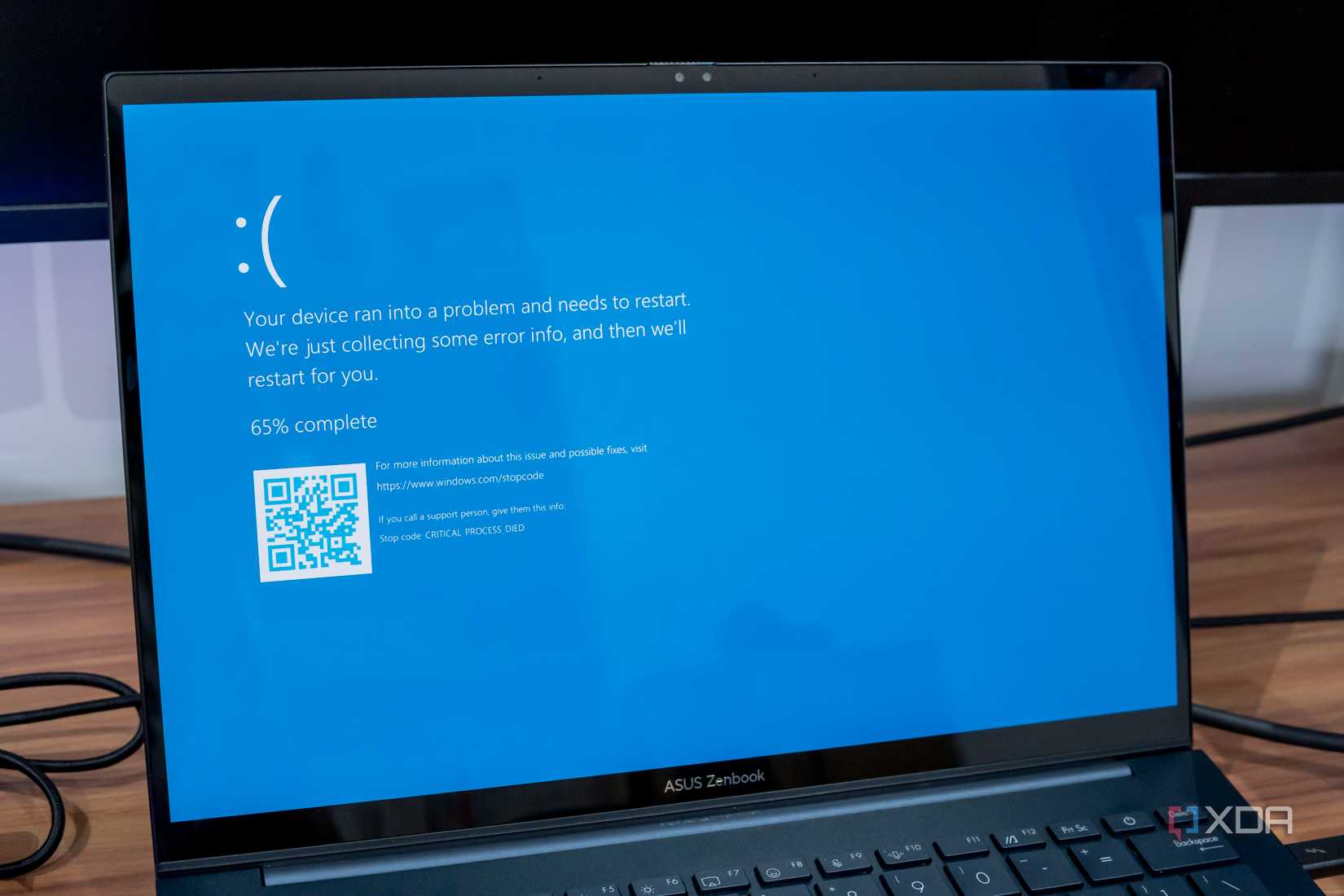
When a key system goes down, every minute matters. PiKVM lets me see exactly what’s happening at the hardware level the moment something goes wrong. I can view the boot process, check for error messages, and start applying fixes immediately, even if the OS isn’t loading. This turns troubleshooting into a direct, efficient process instead of a frustrating guessing game, and it ensures I’m working on the right solution from the start.
The speed of response often makes the difference between a minor blip and a significant outage. I’ve resolved bootloader errors, disk failures, and configuration mishaps in minutes instead of hours thanks to having PiKVM in place. That means my self-hosted services stay up and my experiments keep moving forward without losing momentum.
It also makes testing solutions much easier. I can apply a fix, reboot the machine, and see the results instantly without touching a single cable or disrupting other work. This cycle of rapid diagnosis and testing keeps downtime to a minimum and productivity at its peak, making PiKVM a tool I now consider indispensable.
PiKVM has become my most-used home lab tool
Adding a PiKVM to my home lab didn’t just make things more convenient. It fundamentally changed how I handle server management. I no longer have to physically interact with hardware unless I’m upgrading or replacing components. The combination of remote control, power management, security, flexibility, affordability, firmware management, and downtime reduction makes it one of the best investments I’ve ever made in my setup.
link